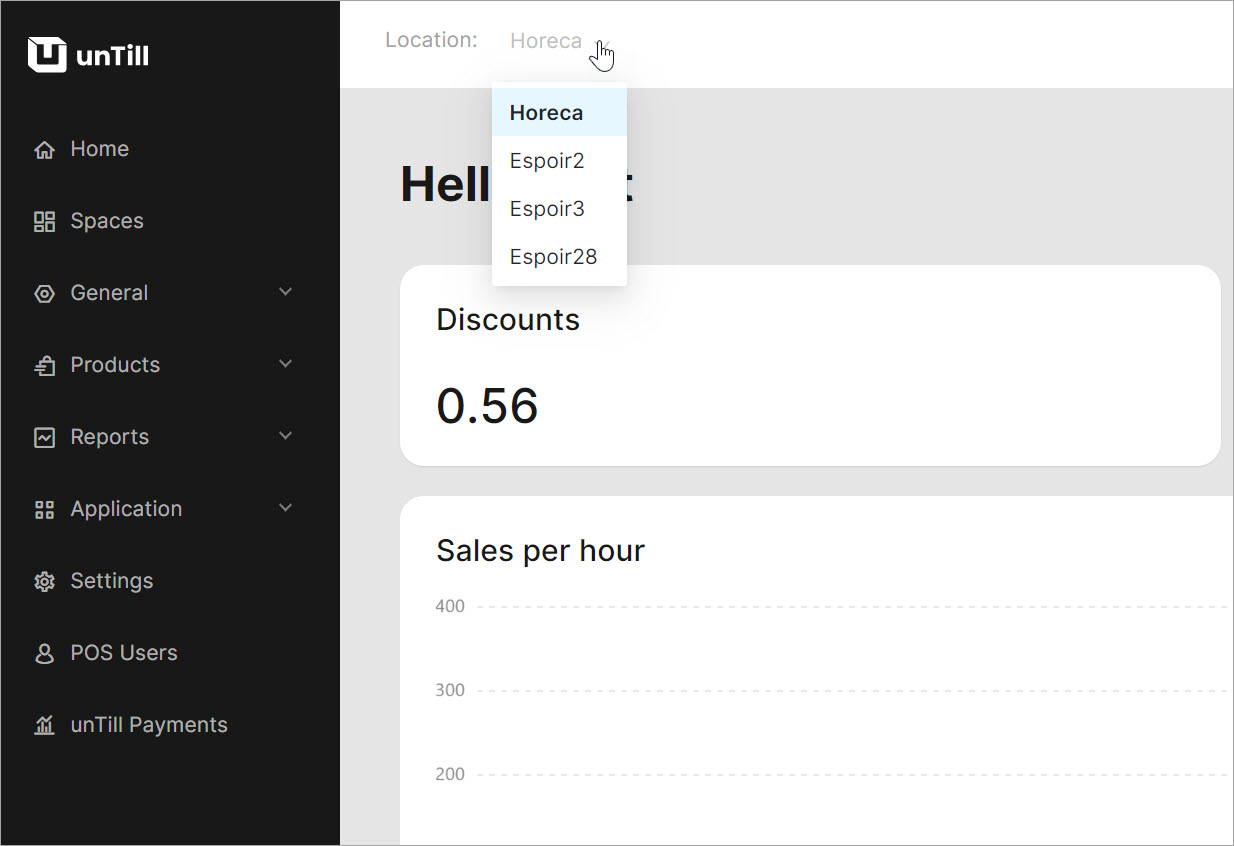
Add new locations
Who can use this feature?
☑️ Location Owners
In unTill Air, you can create new locations within your existing account.
To add a new location, please follow these steps:
- From any page in the Back Office, click on the user account icon in the top-right corner to access account settings.
- Select 'My profile'.
- Under the 'My profile' heading, select 'Locations and subscriptions'.
- Click 'Add new location'.
-db824910e7c389c7019622f9817acb37.jpg)
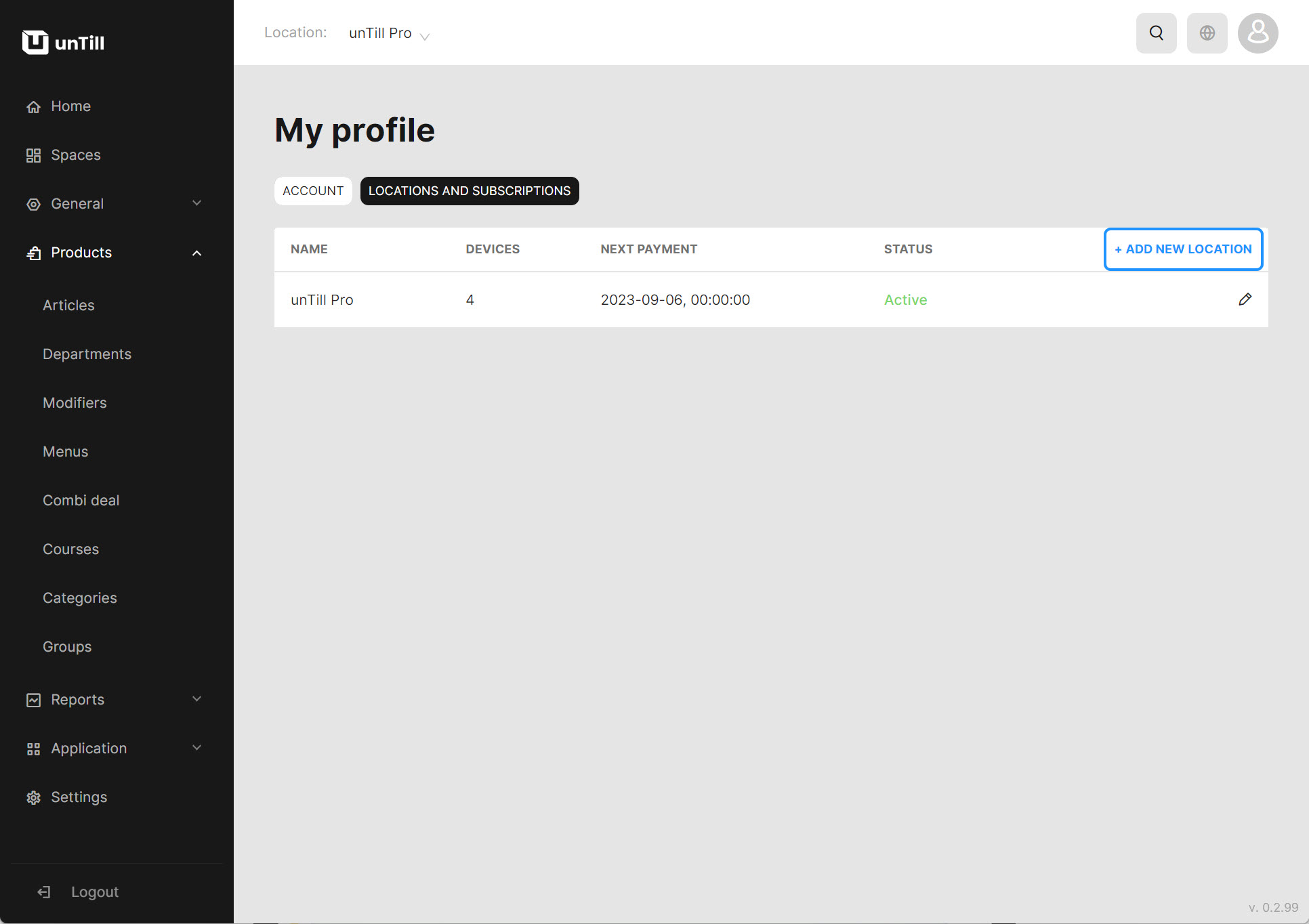
- Provide the required information about your new location.
info
For more information on how to do this, refer to this page.
- Arrange a subscription - select either monthly or annual payments and the number of screens.
Once you have done this, you are all set to start with a new location.
info
Tip: To switch between different locations in your account, click on the toggle beside the current location name.