Preparation Areas
☑️ Location Owners
In unTill Air, you can add preparation areas to manage where articles are prepared. For each preparation area, a specific printer can be assigned for every space. When an article is ordered, the order ticket is printed on the printer assigned to that preparation area for the space where the table is located.
To enable this function, go to Location settings and click the "Switch to Preparation areas" button in the Preparation areas block. When you enable it, you will be asked to confirm your choice, as you will not be able to switch back later. Once enabled, the corresponding section will appear under General in the Back Office, allowing you to create and manage preparation areas.
Note: Before enabling the preparation areas, please make sure you have at least one printer and one space configured at your location.
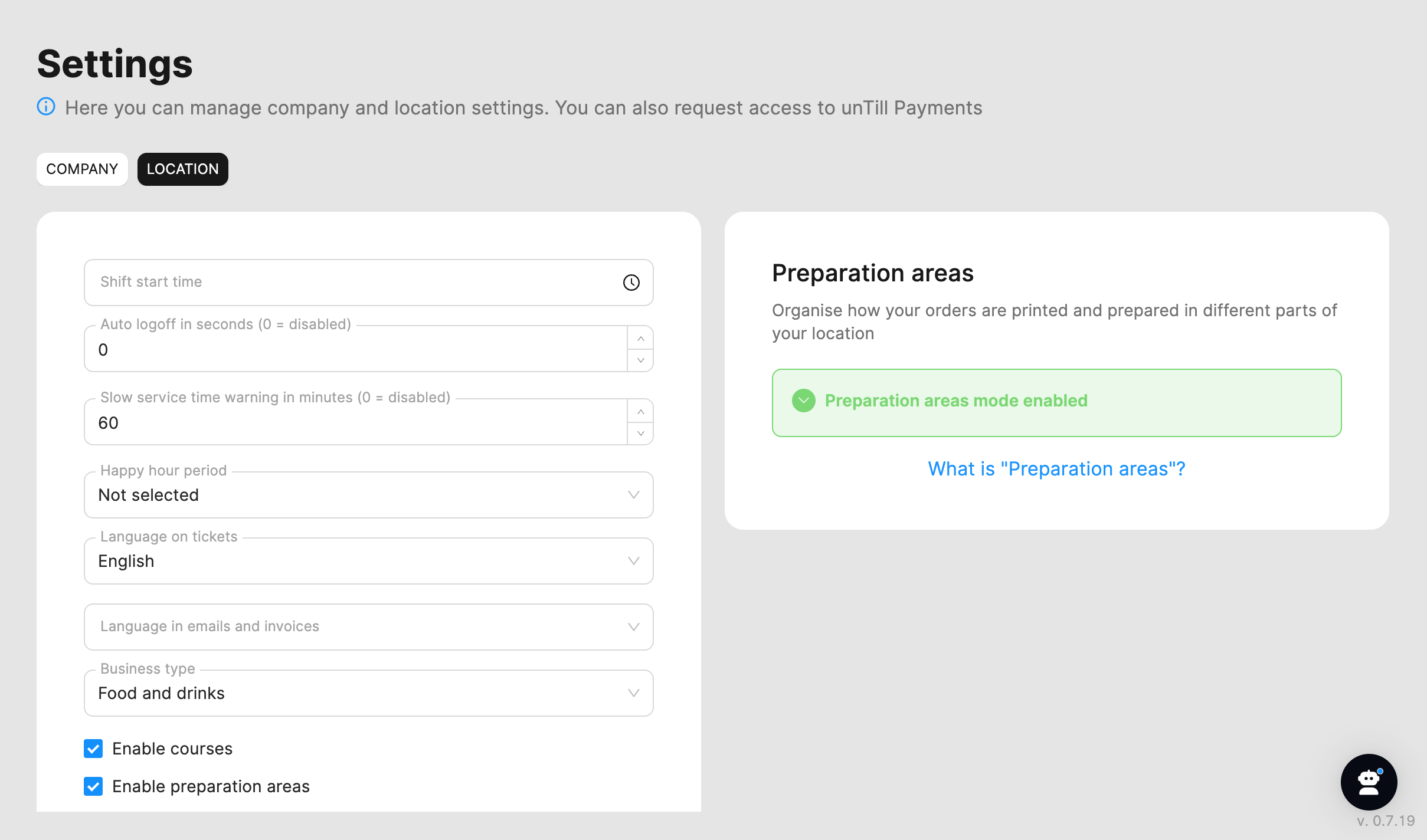
For more information on how to create and manage preparation areas, refer to this page.